New to Ring & Rosette?
Ring & Rosette is a dog show app for UK exhibitors. You log your results on the website or the phone apps, and it works out your warrant points, CCs, class eligibility and Crufts qualification for you, under Royal Kennel Club rules. It's free for up to two dogs.
In brief
Inviting someone
- Tap the account button on Home (Kennel on the website)
- Tap Create invite link
- Send the link by text, email or WhatsApp
- They open it and tap Join
What you share
- Every dog, show and result in the kennel
- Notes and critiques
- Pro, if the kennel has it
What is a kennel?
Your kennel holds all your dogs, shows, results, notes and critiques. Share it and everyone works from the same records, so a result logged at the show is there for the rest of you straight away.
It suits partners who show together, co-owners, and handlers who show a dog for its owner. Your kennel is private to the people in it.
Inviting someone
Only the kennel's owner can invite people. That's whoever set the kennel up, unless they've handed it over.
- Open your kennel. In the app, tap the account button at the top right of Home. On the website, go to Kennel.
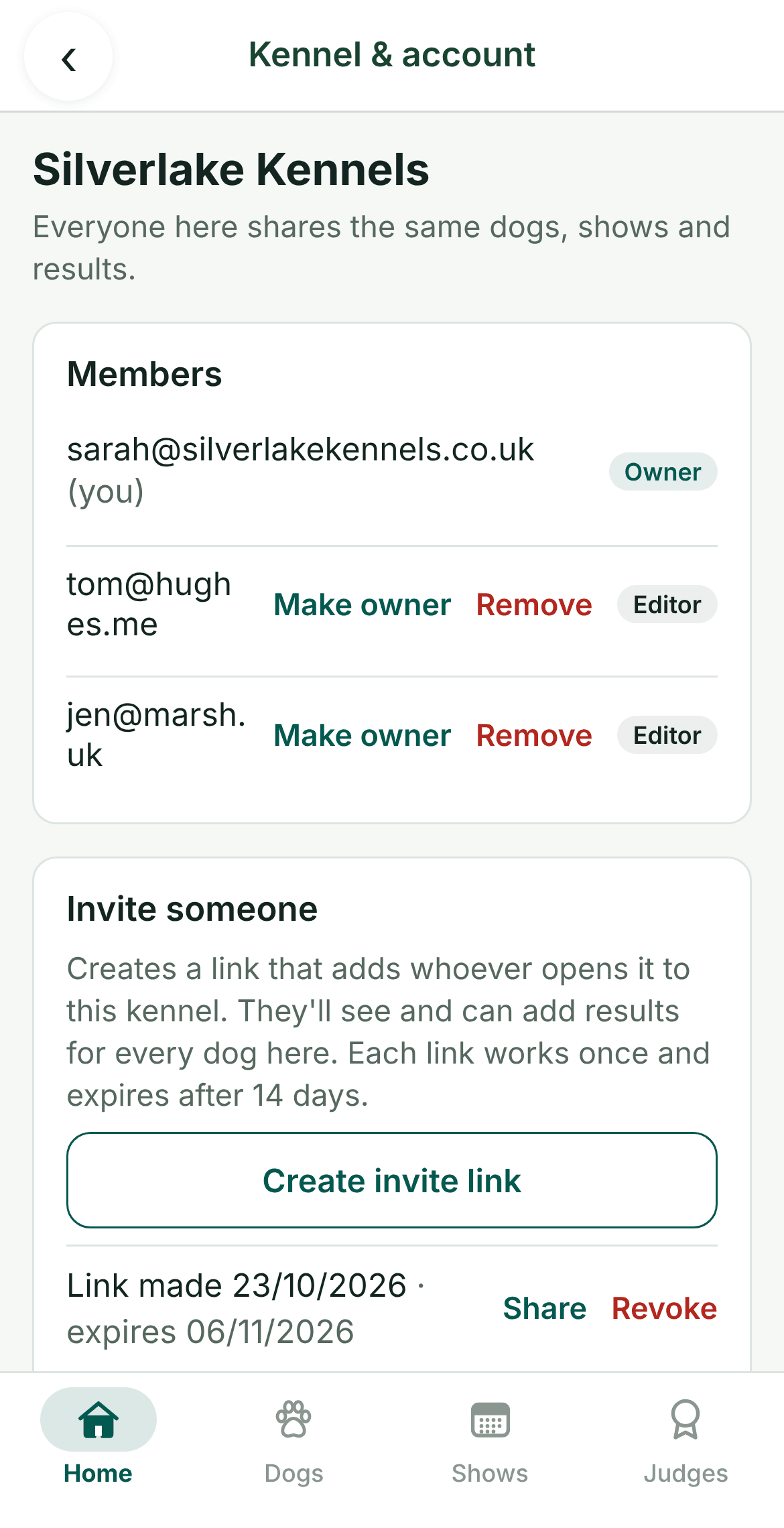
- Create a link. Under Invite someone, tap Create invite link. On a phone, the share sheet opens so you can send it by text, email or WhatsApp. On the website, tap Copy link.
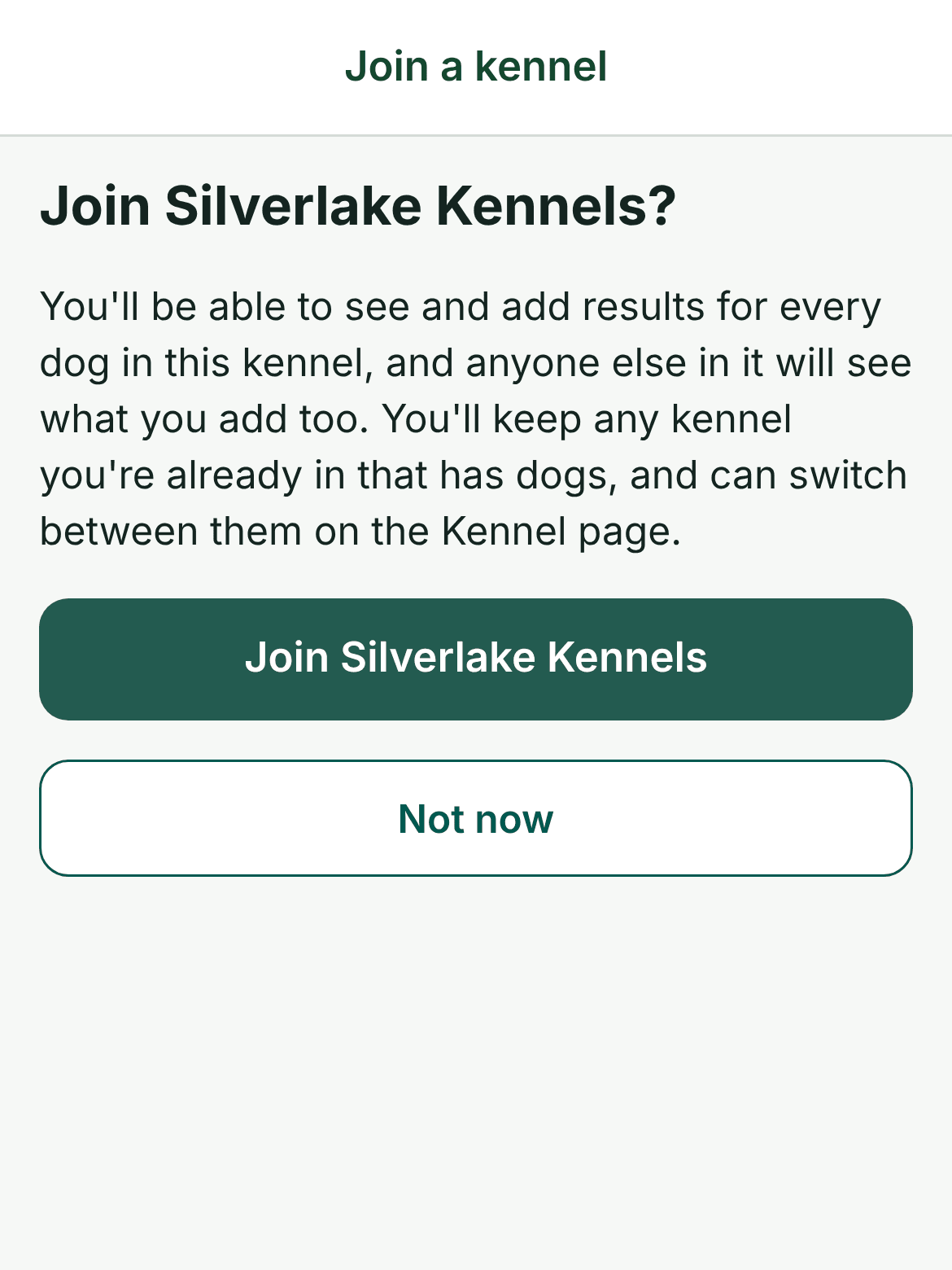
- They join. They open the link, sign in or make a free account, and tap Join. They'll then see everything in your kennel.
Each link works once and stops working after 14 days, so make a new one for each person. Your unused links are listed under Invite someone, where you can share one again or revoke it.
Owners and editors
Everyone in a kennel is either its owner or an editor.
- Editors. Can see, add and change dogs, shows, results, notes and critiques. They can leave the kennel whenever they like.
- The owner. Can do all of that, and also invite people, remove them, and hand the kennel over with Make owner. The old owner stays on as an editor.
If someone leaves or is removed, everything they added stays in the kennel. You can always invite them back.
Belonging to more than one kennel
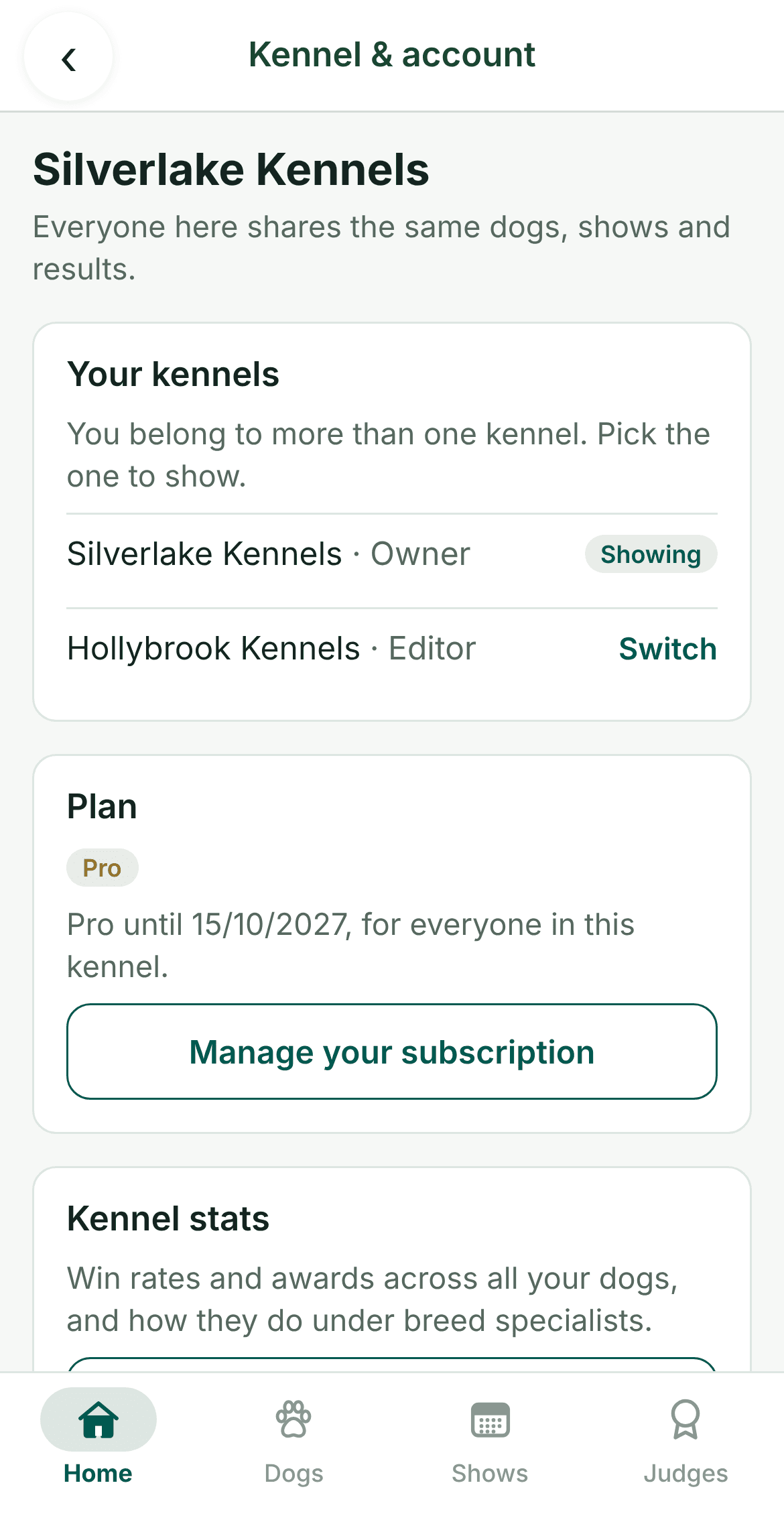
You can be in several kennels, say your own and a friend's whose dog you handle. When you are, a Your kennels card appears on the Kennel & account screen, and a kennel picker appears at the top of the website. Pick a kennel and everything you see switches to it. Ring & Rosette remembers which one you picked.
Questions
- Is sharing a kennel free?
- Yes, for two people. Pro gives your kennel as many people as you like, and everyone in the kennel gets Pro.
- Do the people I invite need their own account?
- Yes. Each person signs in with their own email, and making an account is free. They don't need to pay for Pro if your kennel already has it.
- Will they see my notes?
- Yes. Notes, critiques and results are shared with everyone in the kennel. Nobody outside it can see them.
- What happens to my kennel if I delete my account?
- If other people are in it, you first make one of them the owner, and everything stays with them. If you're the only one in it, the kennel is deleted with your account.